Quell Gen 2.0
Diziana Quell Gen 2.0 is a fully responsive Zendesk® Guide Help Center Theme (templates). It can be used by all kind of organizations -- Technology, Education, Tour & Travels, Food, Startups, IT, Medical, Construction, Builder, Marketing, Startup, Fashion, Government, NGO, Not-For-Profit - Companies, Business or Organizations.
設計師
Diziana
About this theme
Diziana Quell Gen 2.0 is a fully responsive Zendesk® Guide Help Center Theme (templates).
It can be used by all kind of organizations -- Technology, Education, Tour & Travels, Food, Startups, IT, Medical, Construction, Builder, Marketing, Startup, Fashion, Government, NGO, Not-For-Profit - Companies, Business or Organizations.
Theme Editions
Standard Edition: USD 299 (one time cost with access to free upgrades to future versions -- minors and patches). The source code is not available in this edition. You will be able to change all important settings via admin UI.
Developer Edition: USD 349 (one time cost with access to free upgrades to future versions -- minors and patches). The full source code is available via 'Edit Code' button in theme customization area. You will be able to change all important settings via admin UI.
Purchase Includes:
Theme License: Diziana Quell Theme License for One (1) Zendesk Help Center or Brand.
- Support: Ninety (90) days via email.
Introducing Diziana Creative Suite
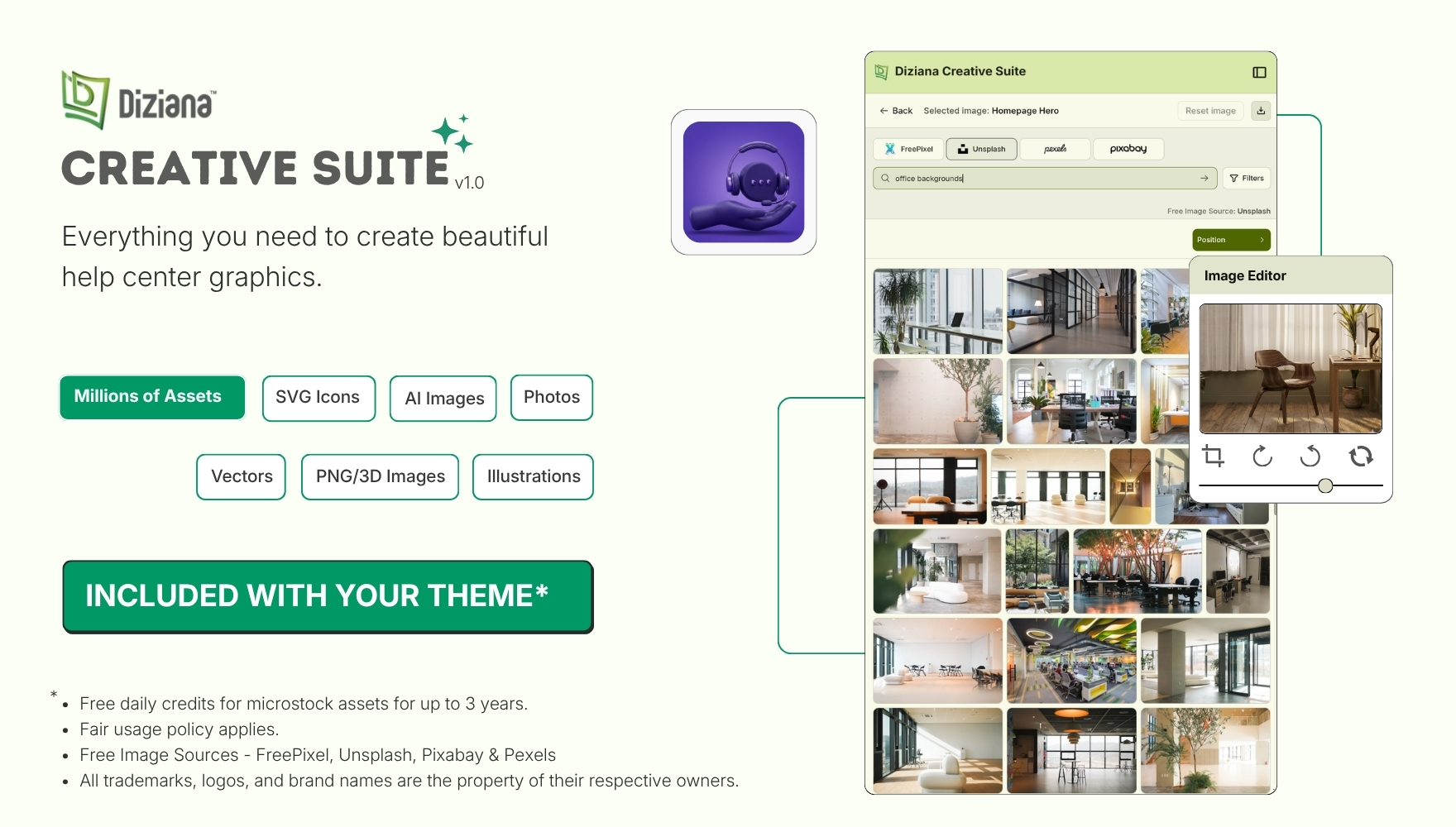
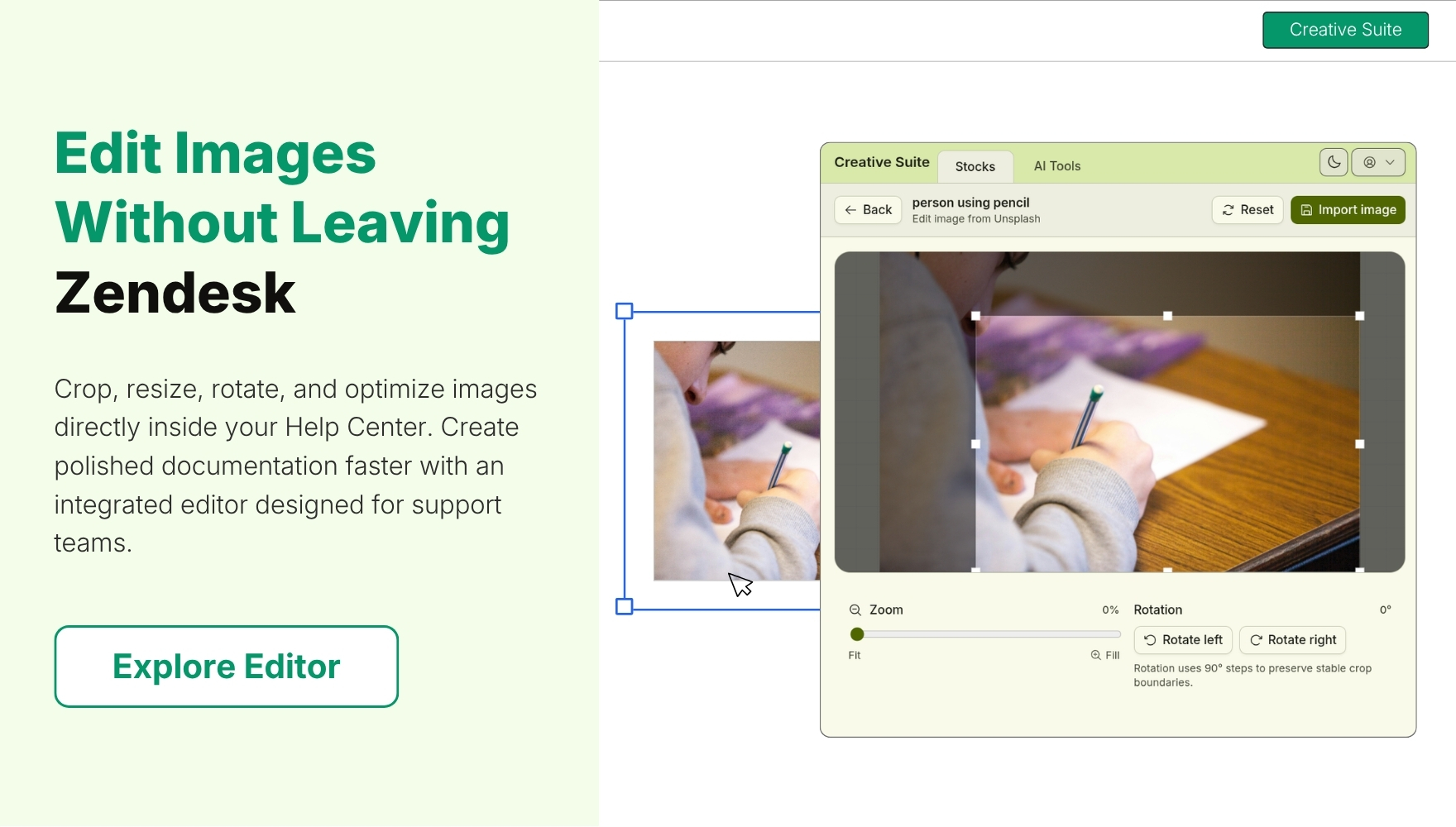
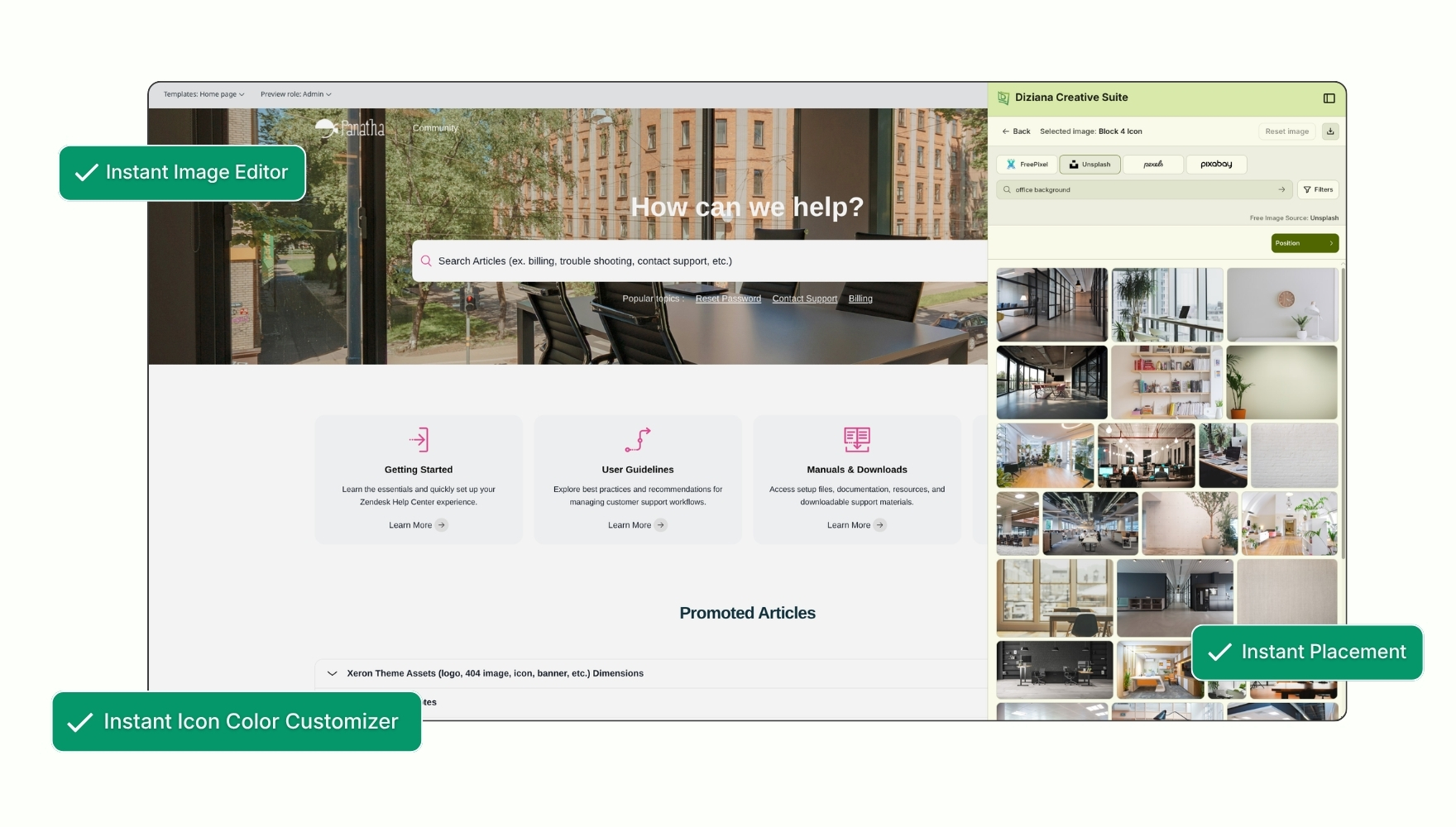
Diziana Creative Suite is an embedded creative workspace for Zendesk that helps teams quickly discover, customize, edit, and apply visual assets directly within their Help Center. Browse millions of images, illustrations, icons, and SVGs, then seamlessly insert them into your content, all without switching between tools.
Diziana Quell Gen 2.0 Theme Configuration and Features
Gen 2.0 Theme
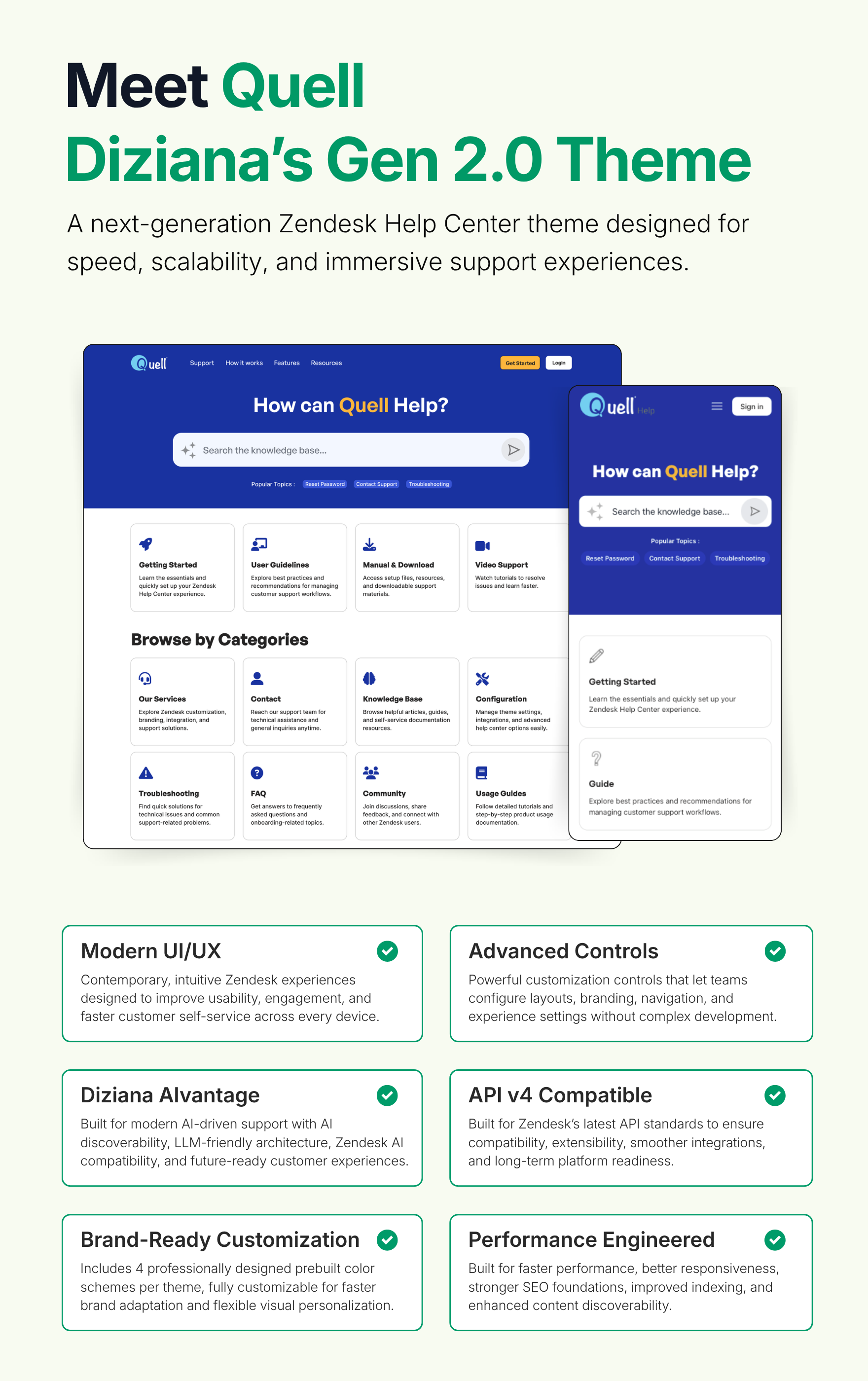
✔ Modern UI/UX
Contemporary, intuitive Zendesk experiences designed to improve usability, engagement, and faster customer self-service across every device.
✔ Advanced Controls
Powerful customization controls that let teams configure layouts, branding, navigation, and experience settings without complex development.
✔ Diziana AIvantage
Built for modern AI-driven support with AI discoverability, LLM-friendly architecture, Zendesk AI compatibility, and future-ready customer experiences.
✔ API v4 Compatible
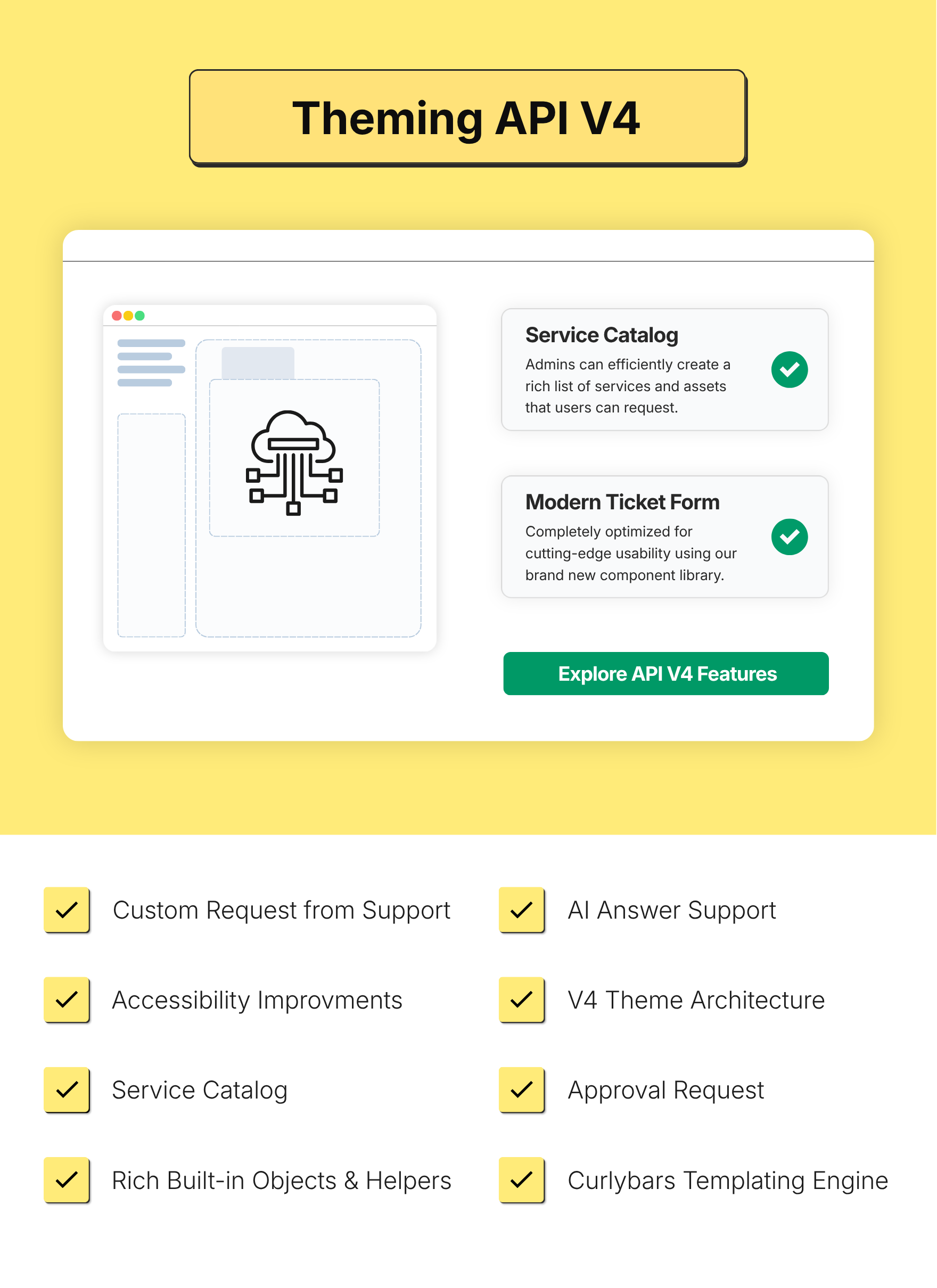
Built for Zendesk’s latest API standards to ensure compatibility, extensibility, smoother integrations, and long-term platform readiness.
✔ Brand-Ready Customization
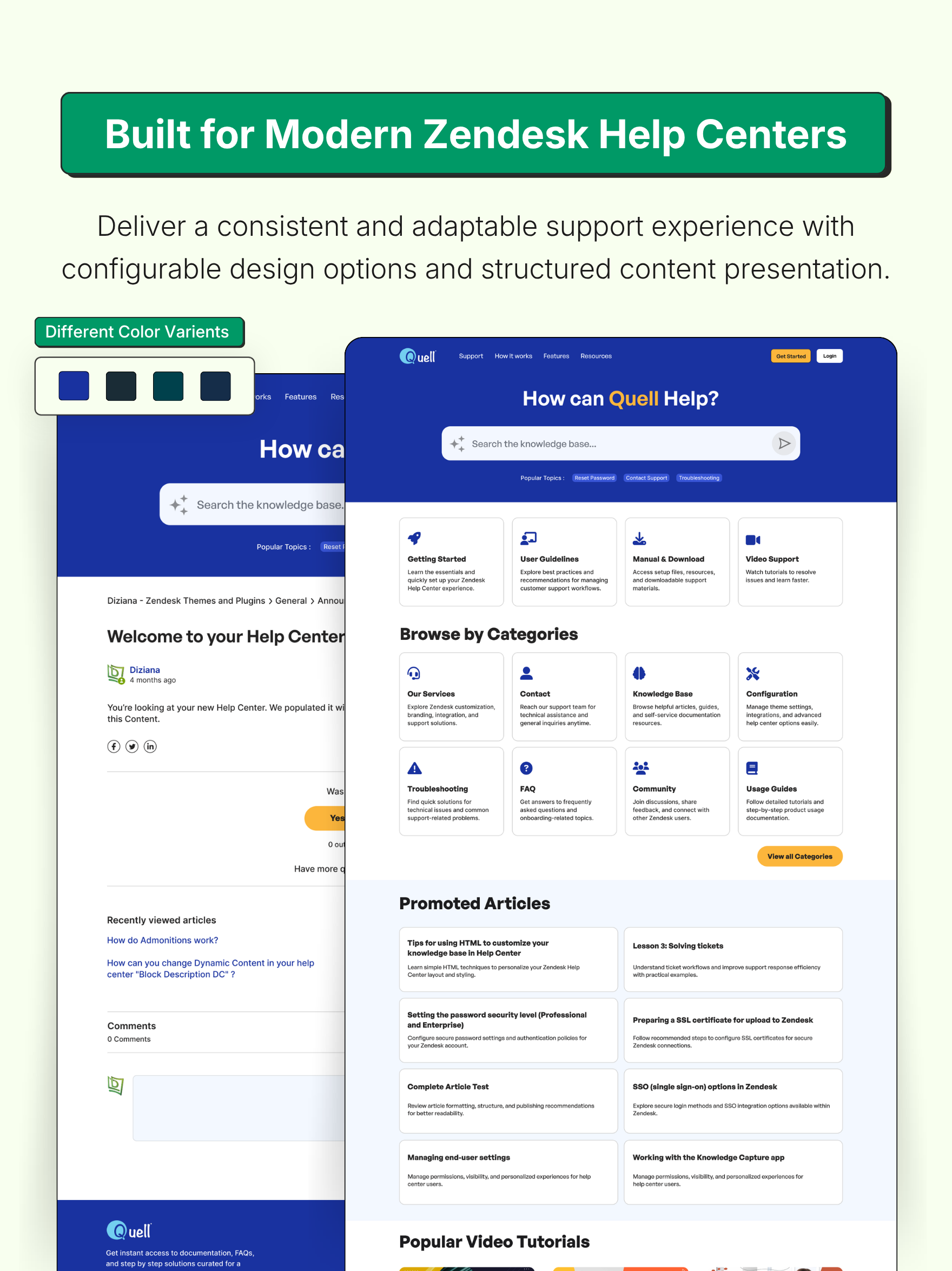
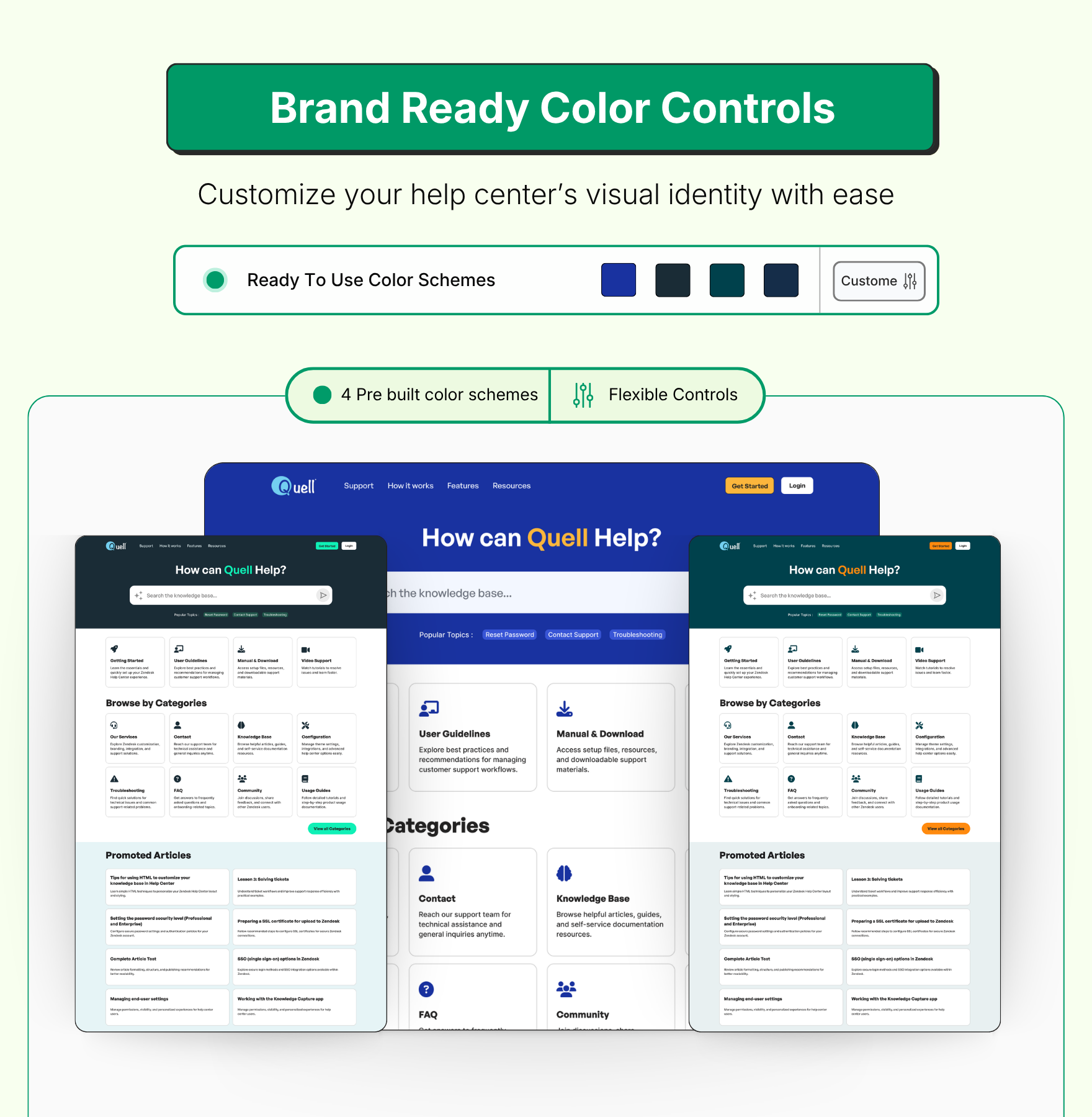
Includes 4 professionally designed prebuilt color schemes per theme, fully customizable for faster brand adaptation and flexible visual personalization.
✔ Performance Engineered
Built for faster performance, better responsiveness, stronger SEO foundations, improved indexing, and enhanced content discoverability.
Diziana AIvantage
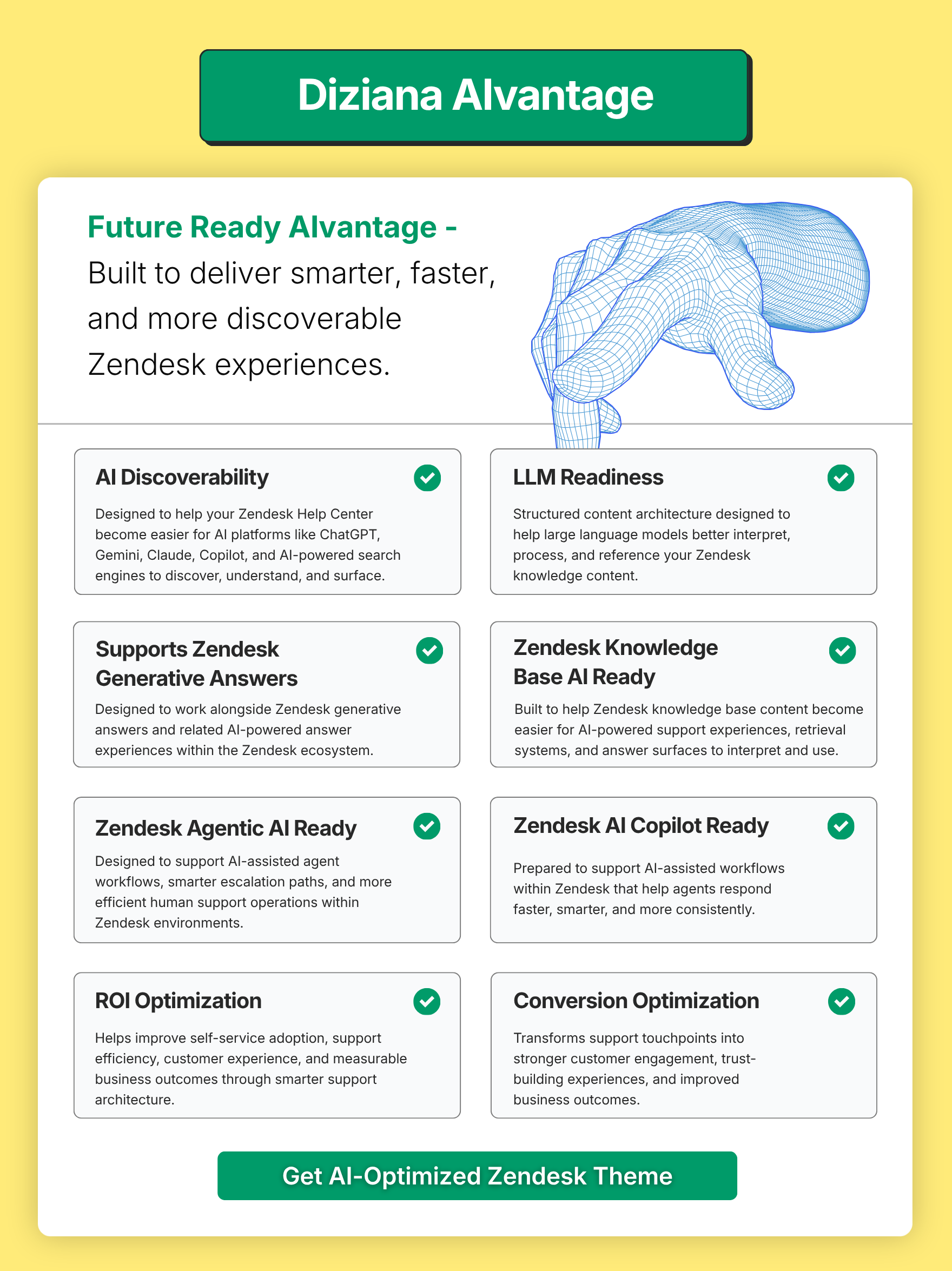
✔ AI Discoverability
Designed to help your Zendesk Help Center become easier for AI platforms like ChatGPT, Gemini, Claude, Copilot, and AI-powered search engines to discover, understand, and surface.
✔ LLM Readiness
Structured content architecture designed to help large language models better interpret, process, and reference your Zendesk knowledge content.
✔ Supports Zendesk Generative Answers
Designed to work alongside Zendesk generative answers and related AI-powered answer experiences within the Zendesk ecosystem.
✔ Zendesk Knowledge Base AI Ready
Built to help Zendesk knowledge base content become easier for AI-powered support experiences, retrieval systems, and answer surfaces to interpret and use.
✔ Zendesk Agentic AI Ready
Designed to support AI-assisted agent workflows, smarter escalation paths, and more efficient human support operations within Zendesk environments.
✔ Zendesk AI Copilot Ready
Prepared to support AI-assisted workflows within Zendesk that help agents respond faster, smarter, and more consistently.
✔ ROI Optimization
Helps improve self-service adoption, support efficiency, customer experience, and measurable business outcomes through smarter support architecture.
✔ Conversion Optimization
Transforms support touchpoints into stronger customer engagement, trust-building experiences, and improved business outcomes.
Customizable Theme Color Presets
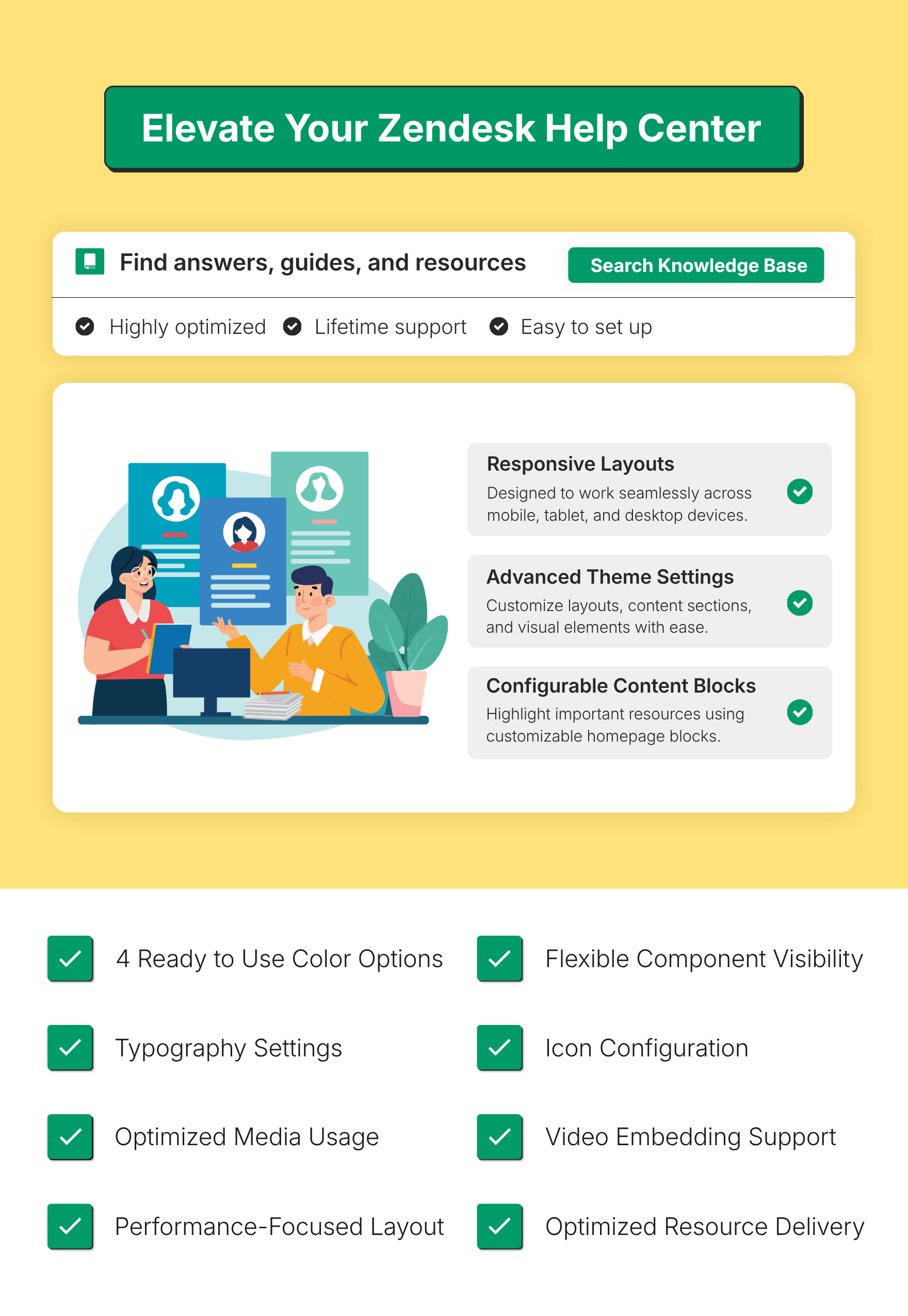
Choose from four professionally designed color presets to instantly align the theme with your brand identity, eliminating the need to configure colors from scratch. Easily switch between visual styles to create a polished, consistent, and modern Zendesk Help Center experience in minutes.
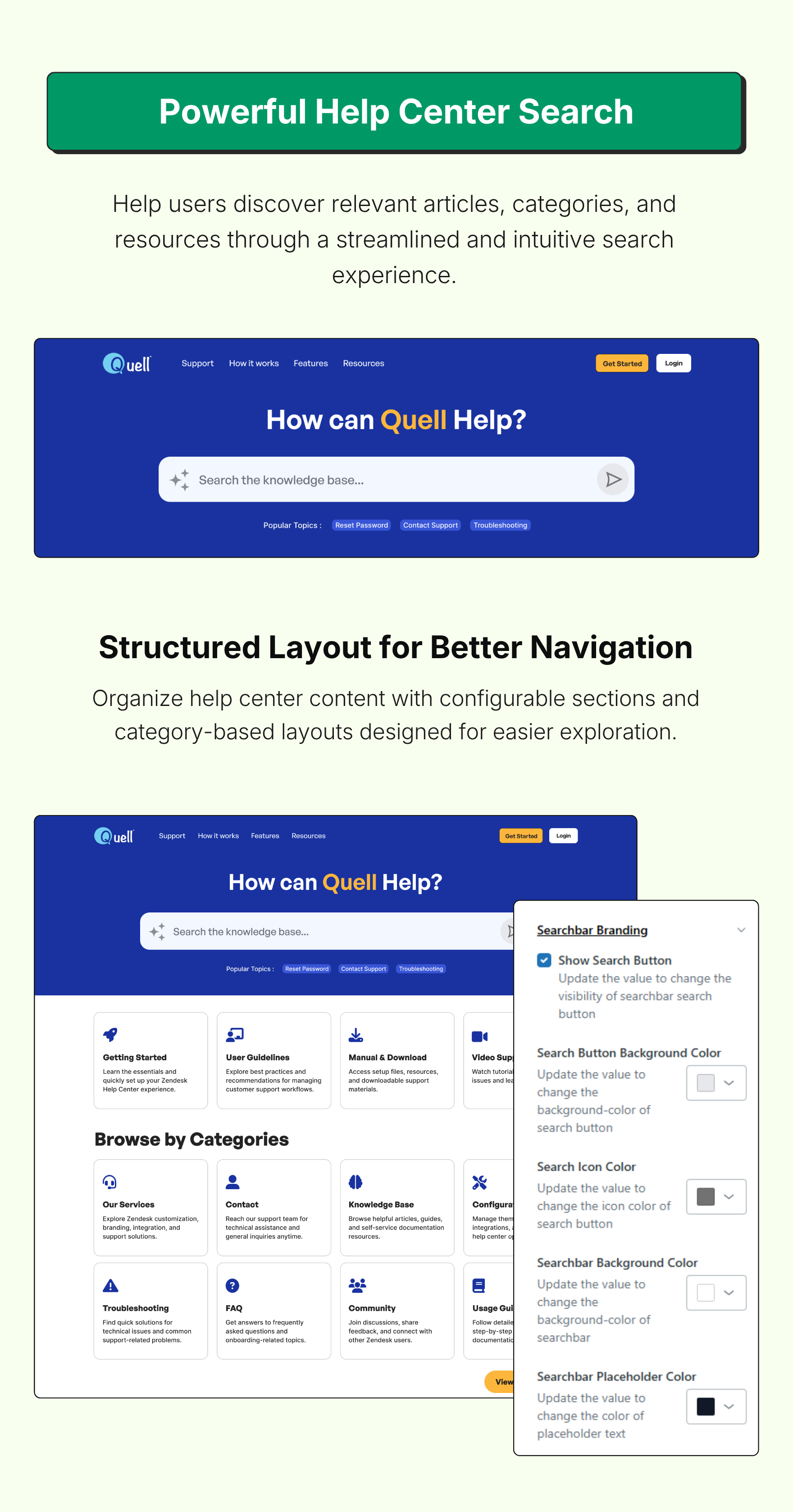
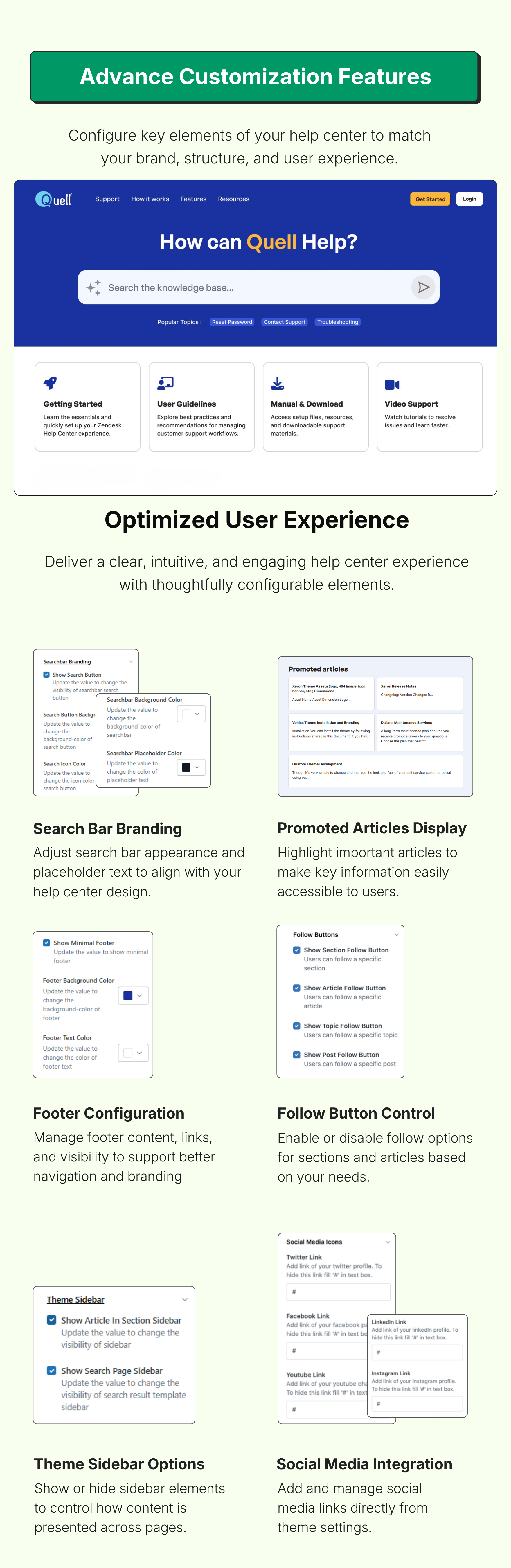
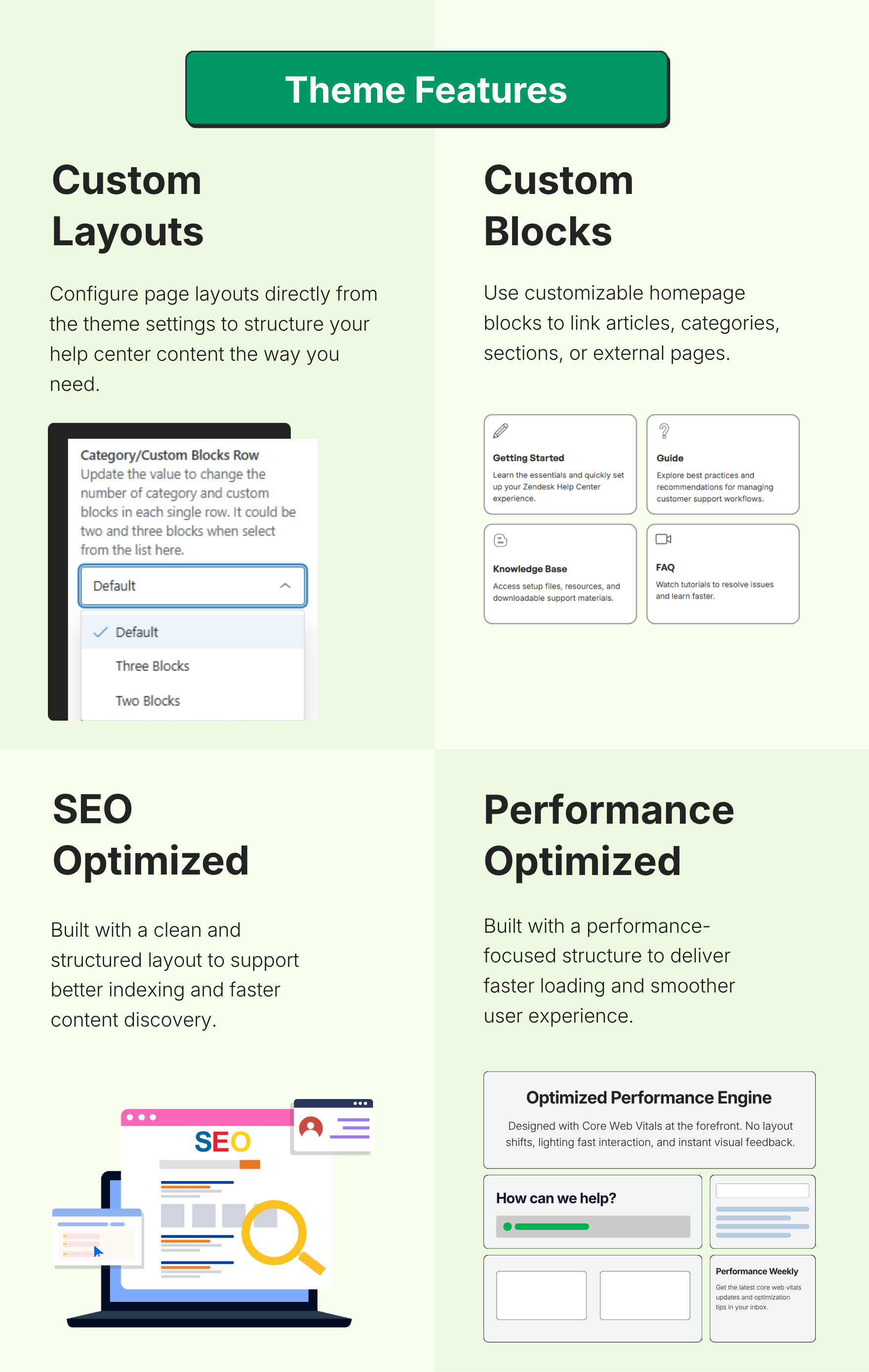
This theme exposes following settings in the theme admin (customization) area:
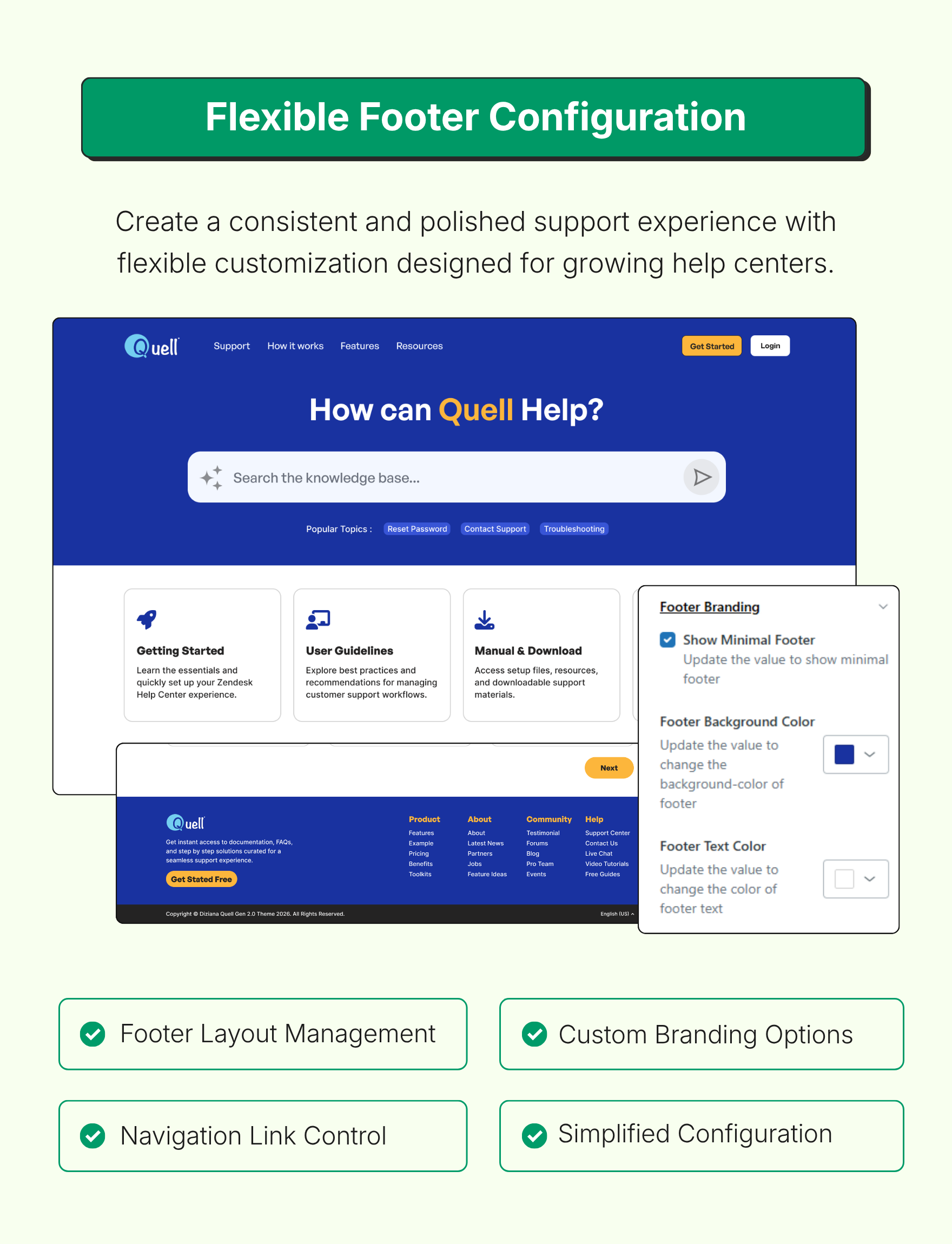
Colors (brand color, brand text color, background color, text color, link colors, header/footer background/text colors)
Fonts (select from a list of font families Zendesk Theming provides). You can use custom web fonts (Google Font, or your own) in Developer Edition because you need to have code access to use custom fonts.
Search Field Placeholder text
Show/Hide Static Blocks
Change icon (image or font-awesome), text, links of Custom Blocks
Show/Hide Categories on the homepage (learn about blocks);
Toggle Minimal/Full Header and Footer.
Set/Unset social media links
Show/Hide sidebar
and more.
The Standard Edition only allows changes via settings panel; which works for most. You need Developer Edition for advanced customization such as:
change layout of templates
change full header/footer link placeholders,
change full header/footer branding
associate icons with categories (or sections in case of single category Guide) for category blocks on homepage
use custom fonts
add or remove features.
It is recommend that you purchase Developer Edition so you have access to complete code, and you can do custmization by changing CSS/HTML/JavaScript wherever needed. That said, the Standard Edition provides all important settings, and if you just want to get started it's good enough.
Please feel free to reach out for more information, or to ask any question (before or after purchasing the theme).
Contact us
24x7 Support: support@diziana.com
主題詳情
留下評論
與其他 Zendesk 社群分享您的體驗