Office Teams Integration By IntegrateCloud
Automate Sharing of data between Zendesk and Office Teams using IntegrateCloud
About this app
This app will allow agents working on support tickets to collaborate with their Office team by sending them messages on different Office Team channels as and when required.
Features
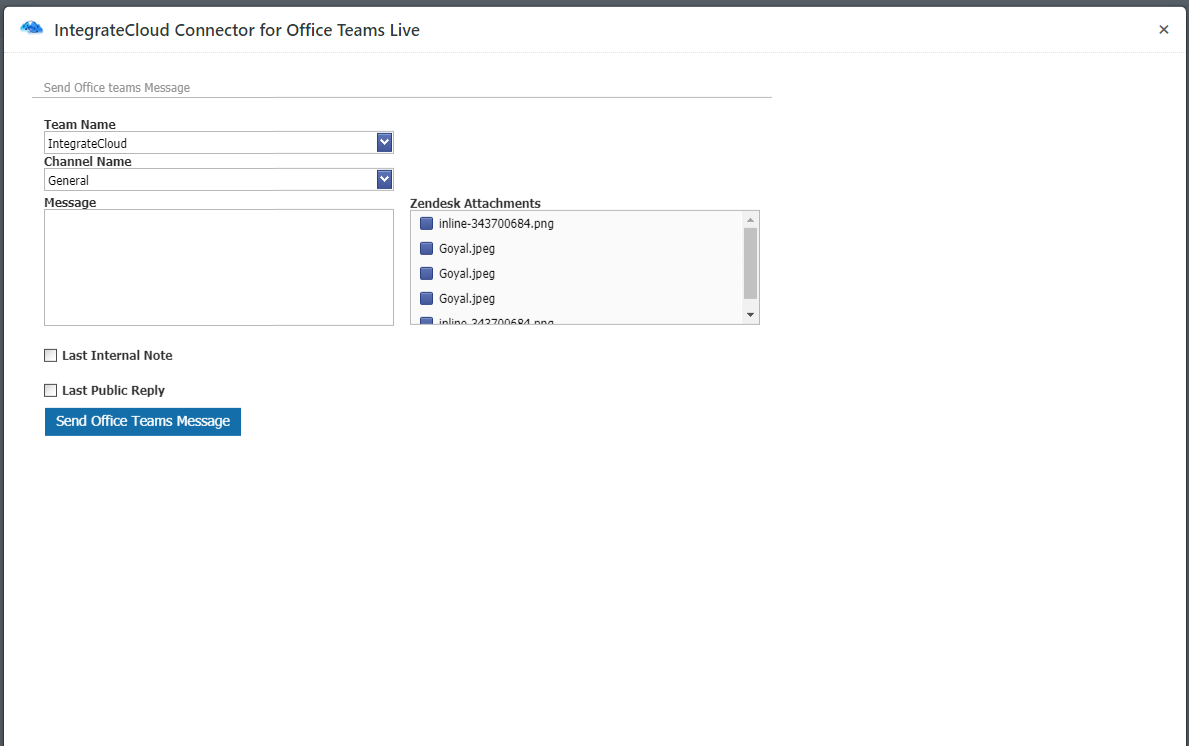
Send custom messages along with last internal note & public reply to your Office team members as and when required through the App.
Congigaration
How it works
Note: The Office Teams Integration app is available for full 30 day free trial For more information, please visit our website at https://integratecloud.com
for any help related to setup, please visit to our support website https://support.integratecloud.com/zendesk-office-teams-connector
THIS APP SUPPORTS MULTIPLE Temas Accounts as well MULTIPLE Zendesk instances.
App 詳情
如何安裝
Click Install to add the app.
Once the app is installed, click on existing ticket , click on the Apps link and you will see the IntegrateCloud Office Teams App.
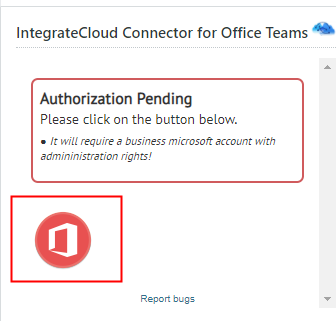
Click on the Authentication button in the app which will take you to the microsoft setup page for authentication.
Provide permissions to allow IntegrateCloud and click the Allow button.
Enter your Zendesk Credentials and you will see the message app is setup successfully.
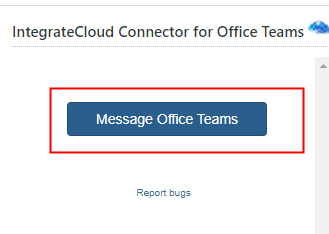
Take an existing Zendesk ticket and you will see the app to send messages to your Office Team.
留下評論
與其他 Zendesk 社群分享您的體驗